Animations without
the animation work.
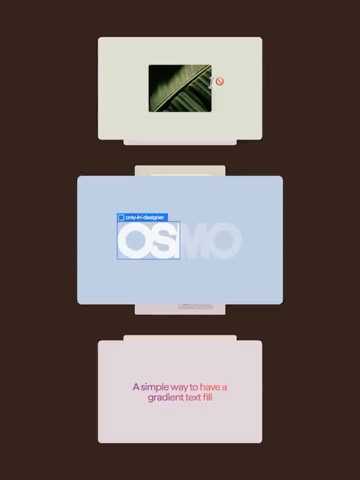
Choose a template, add your assets, tune the sliders,
and export ready-to-use animated visuals.Choose a template, add your assets, tune the sliders, and export.
How it works
01Pick a template
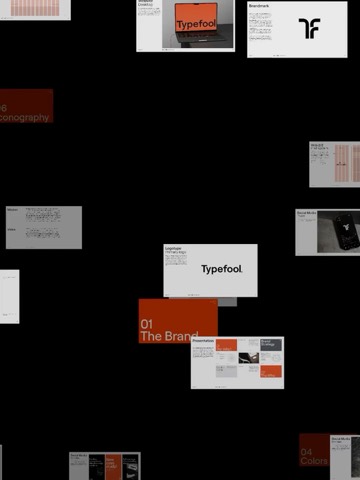
Start from 189 animations, not a blank canvas.
02Drop your assets
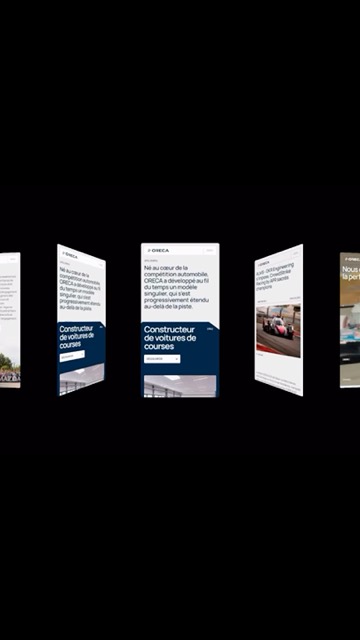
Your images or videos, placed in seconds.
03Tune to perfection
Fine-tune every detail with simple sliders.
04Shape the easing
Pick a preset, or shape your own curve.
05Switch the format
Pick a ratio, or set a custom size.
06Export in seconds
Cloud-rendered video, ready to post.












FAQ’s
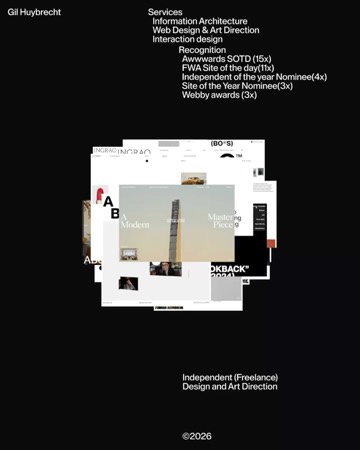
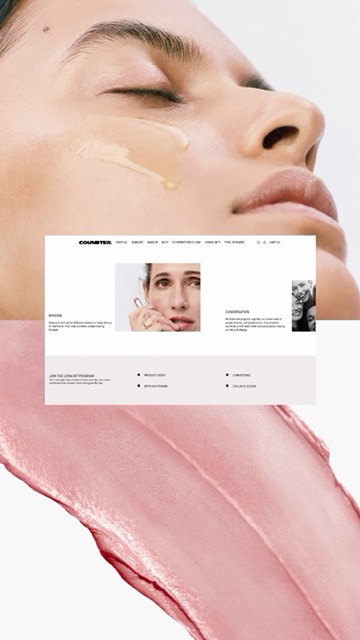
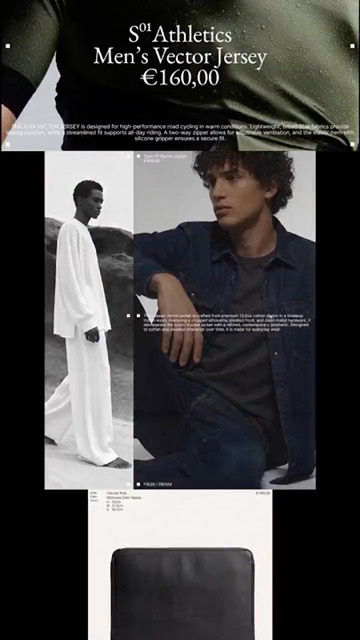
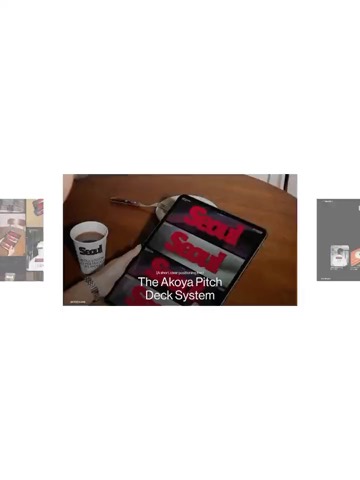
Singles is Arqe’s motion-template tool. Pick from 189 ready-made animation templates, drop in your images or videos, tune the look with simple sliders, and export a ready-to-post video.
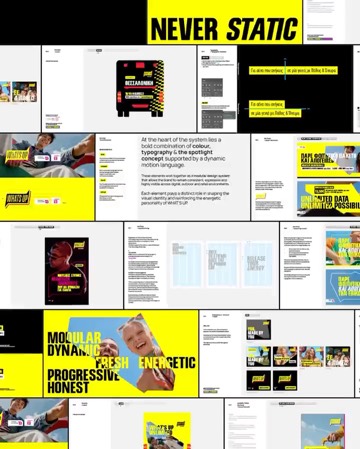
No. Every template already moves beautifully — you shape it with sliders for speed, timing, spacing, counts, and angles.
Images and videos, audio tracks, and your logo — including SVG. You can also upload brand fonts and use them on any text layer.
No — exports render in the cloud.
Yes. Text and logos are layers you can position, size, and give their own entrance and exit animations. Uploaded audio plays in the editor and is included in your exported video.
Yes, you can save any animation as a custom template — open it later from any device, exactly where you left off.
Every modern desktop browser — Chrome, Safari, Firefox, Edge — with nothing to install. Singles also works in your phone’s browser, so you can edit on the go.
Yes. Preview mode is free: explore every template with a set of demo assets. Uploading your own files, saving, and exporting unlock with a subscription.
No. One All-Access subscription unlocks the whole suite — Singles, Mockups, Stock, and every tool we launch.
Yes — commercial usage rights are included with every plan.
Stay in the loop
Be the first to hear about new templates, mockups,
and features. No noise, just what’s worth knowing.