01Motion Templates
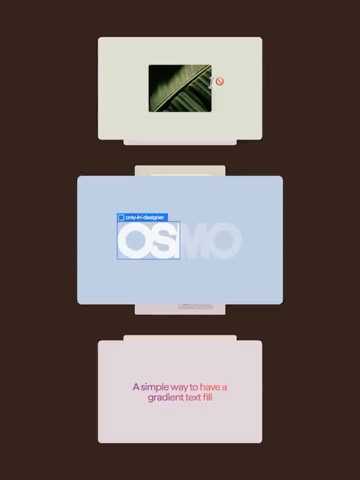
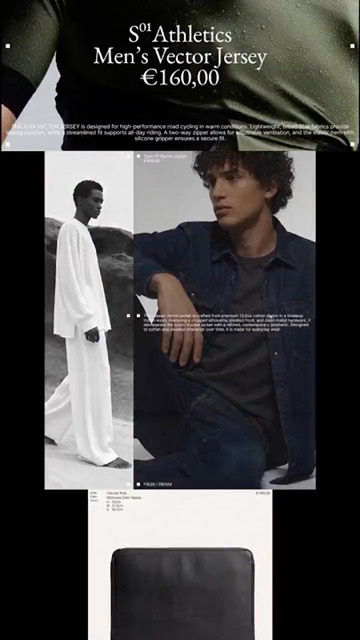
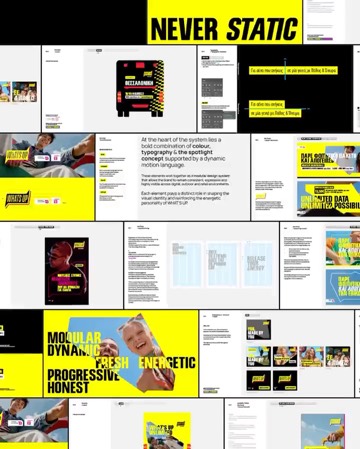
Choose from 189 templates, add your
assets, tune the sliders, and export.
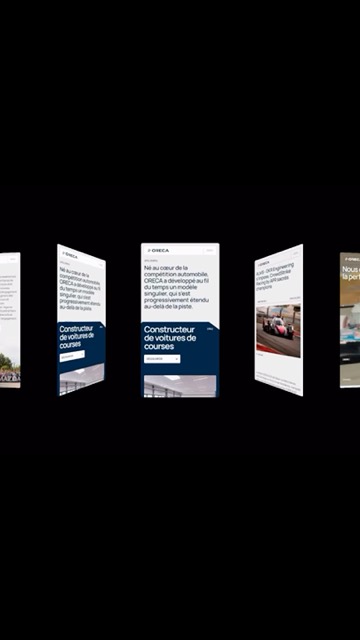
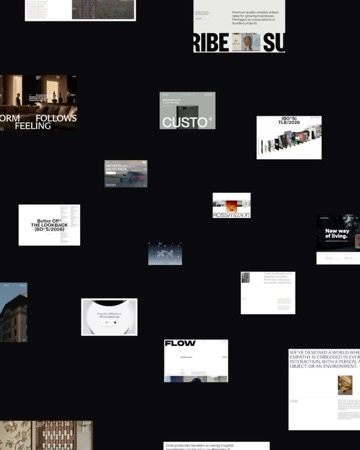
Motion templates, animated device mockups, stock library —Motion templates, mockups, stock library —
everything a brand needs in one place.
Choose from 189 templates, add your
assets, tune the sliders, and export.
Create stunning product visuals using
pre-made scenes or make your own.
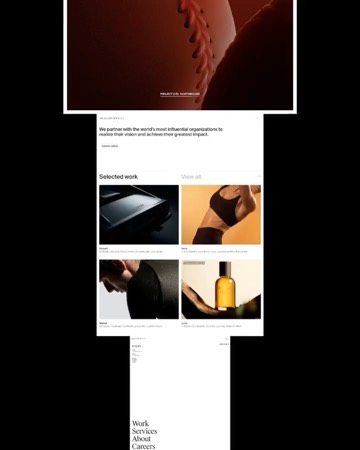
Browse & download curated AI stock
in 4K. Royalty-free and ready to use.
Really sick!
I thought Jitter was the ultimate game changer for creating high-quality animations fast. But Arqe is on another level. Just drop in your images, it automatically uses the right format, and your animation is ready. No resizing, no moving pixels around. Plus, the controls give you a ton of precision to fine-tune the final result. If you’re a designer sharing your work on social media, Arqe is an absolute must-have.

This is a game changer! Just drag & drop your images and you’re all set!! With so many templates available just one click away, I will never be presenting my work the same.

Creating animations with Arqe is so easy and intuitive.

It was fantastic to see a quick and amazing tool to create your reels within seconds. With simple drag & drop and hundreds of templates to choose from, you have full control to create your desired animations.

I assumed drag-and-drop meant “you get what you’re given,” but there’s real control underneath if you want it, and none of it in your face if you don’t. I don’t miss After Effects at all. For 90% of what we ship, this is simply the better tool.

As a designer and creative director, animation has always been my weak point and I’ve never had the patience to learn After Effects. Arqe made it impossibly easy to create animations in literal seconds. The interface is stupidly easy to use and the time it takes to render is insanely fast. Better than any other software on the market. 11/10

The fastest way I’ve found to turn a static mockup into a scroll-stopping reel — drop it into a motion template, tweak, export. A couple of minutes, start to finish.

Arqe is the perfect tool for creating social content and ads. Just drag and drop your images or videos, choose a template, and you’re ready to go. It’s a massive time saver and a much smoother experience than working with messy Jitter templates.

This is seriously cool!

Brilliant tool! I’ve been using Jitter and similar tools for a while but the intuitive approach to the UI means I’ll be using Arqe going forward. Will definitely be recommending this to all of the graphic and motion designer friends.

It’s rare to find a tool that offers such powerful features while remaining so simple and enjoyable to use. Arqe will definitely become part of how we present our brands and creative concepts from now on. We’re excited about what’s ahead.

Arqe takes drag and drop to a whole new level, super easy to use and the templates are easy to adjust to create something unique!

Everything Arqe offers, in one subscription.
Arqe is a browser-based creative suite for branded content — premade motion templates and an art-directed stock library, with more tools on the way. Start from a ready-made template, drop in your own images or video, tweak a few settings, and export. No timeline-keyframing or design software required.
No. Every template already moves beautifully — just add your content and tweak to taste. Adjust the sliders for speed, spacing, colors, and layout, add text or a logo, and hit Export to save your video.
Yes. You can explore the templates and a set of demo images in a free preview mode. Uploading your own files, saving projects, and exporting unlock once you’re signed in with an active Arqe subscription.
Any browser, any device — create and render right in the browser.
No. There’s nothing to install or update. Just sign in and start.
Yes — cancel your Arqe subscription renewal any time from your account settings.
Be the first to hear about new templates, mockups,
and features. No noise, just what’s worth knowing.