Motion templates
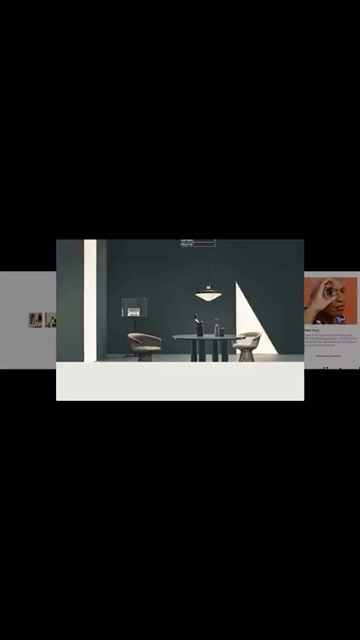
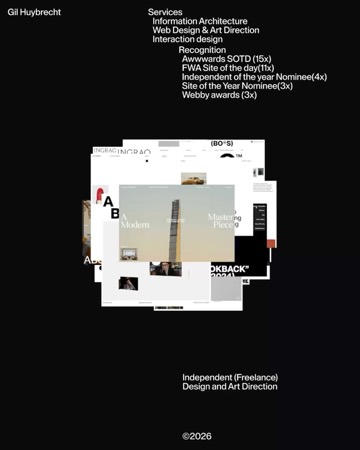
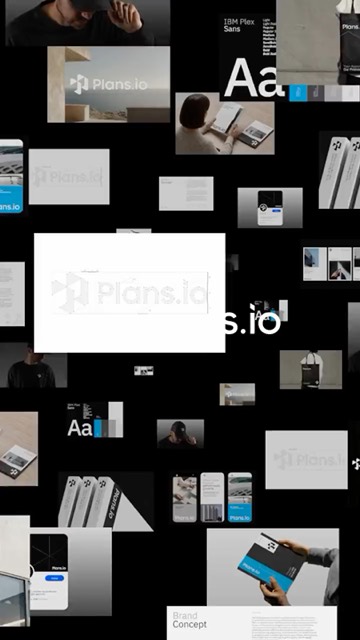
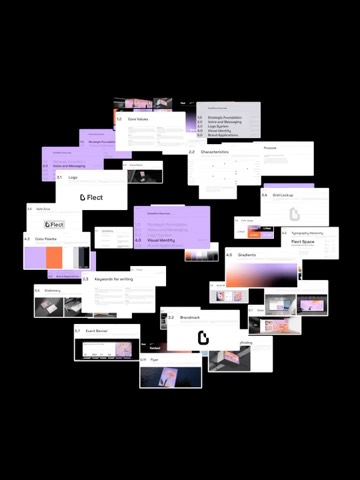
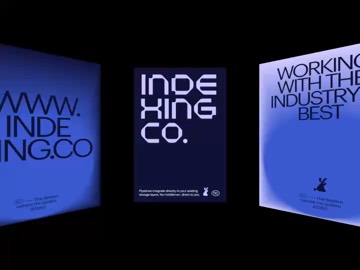
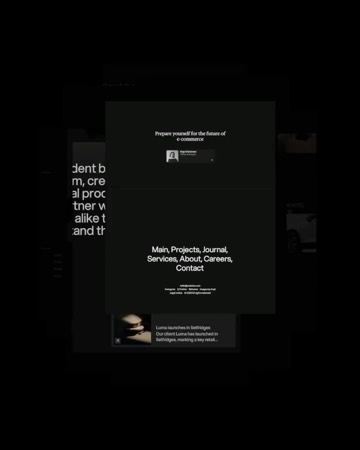
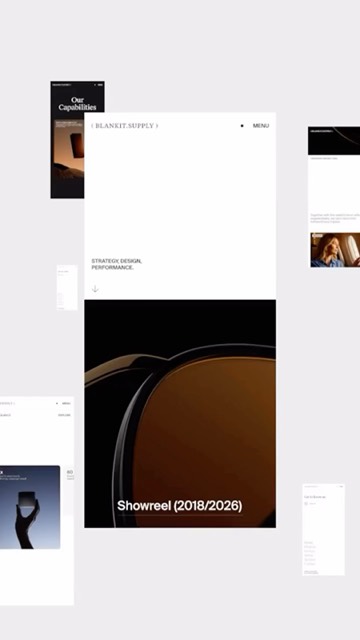
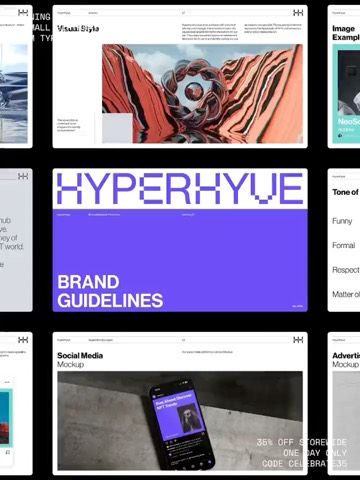
From flat grids to 3D orbits, every template is ready to move. Add your content, shape it with sliders and bring your work to life.
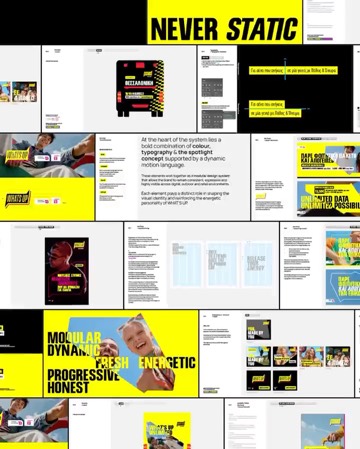
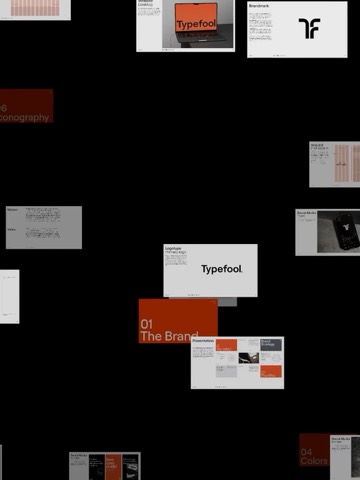
Templates, mockups and type on one infinite canvas.
Change what you like, keyframe the rest, export in any size.Templates, mockups and type on one infinite canvas. Change what you like, keyframe the rest, export in any size.
From flat grids to 3D orbits, every template is ready to move. Add your content, shape it with sliders and bring your work to life.
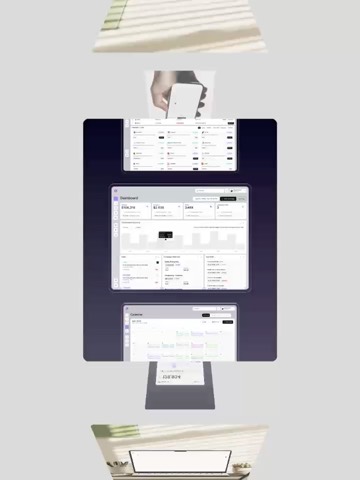
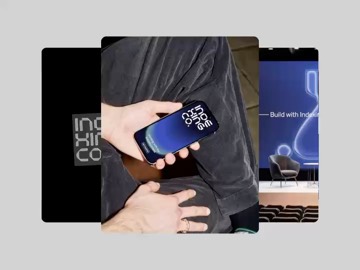
Apple devices in 3D, app icons, the Dock, Instagram posts and stories. Add your design and the motion is already set. Every keyframe is yours to change.
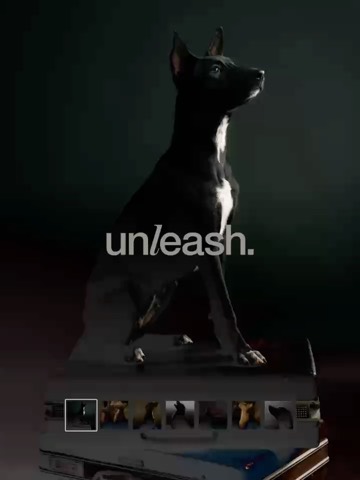
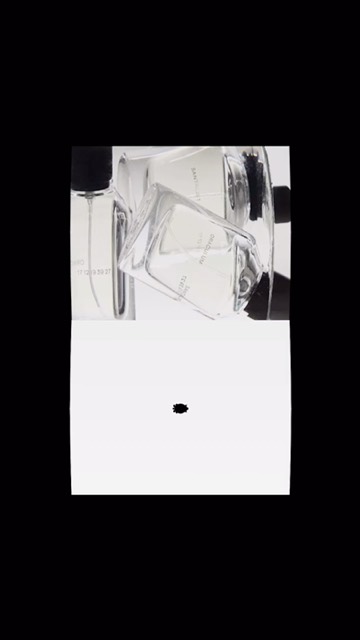
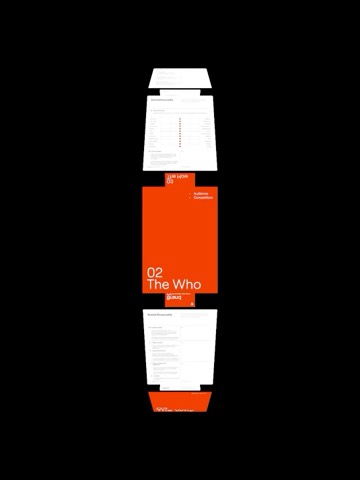
Typography reels with a voice of their own, from a fashion label to a corner bakery. Swap in your words and any font, then restyle the colours, timing and motion down to every keyframe.
Connect Claude or ChatGPT through Arqe’s built-in MCP server and let it do the work. It builds your reels, fills templates and makes every edit you ask for while you watch.
Studio is where you make motion in Arqe. It is a full motion editor that comes with templates designed by the Arqe team: motion templates, typography reels and 3D device shots. Fill them with your own images and video, change anything on the timeline and export a ready-to-post video.
No. Every template already moves the way it should, with its timing set by hand. Swap in your pictures and words and export, or open the keyframes and change as much as you like.
Your own images and videos, logos (SVG too), text and audio. Add your pictures once and every card in a template changes together. Stock images go straight into a project from Stock.
iPhone, iPad Pro, MacBook Pro 14", Pro Display XDR and a Universal screen, plus Instagram post, story and profile frames, app icons and the Dock. Each device shot has its own move, and you can change the rotation, position and lens with keyframes.
Yes. Drop a template onto a frame and it becomes a shot on that frame’s timeline. Trim, reorder and stretch shots like any clip, and keep your text and logo on top.
Yes. The Arqe app for Mac has an MCP server built in. In a Studio project, open Chat and connect Claude or ChatGPT: they use it to work right in your project, building reels, filling templates and making the edits you ask for. It runs on your own AI subscription, on every plan, Demo included. The browser version doesn’t connect to an AI yet.
On your own computer, in the Arqe app, so there is no upload and no render queue. For the smoothest exports, use the Arqe app for Mac.
Yes. Projects are saved to your account and open on any computer you sign in on. File › Version history lists earlier saves and restores any of them.
Yes. The Demo plan gives you the full editor to try every template, and your projects are saved to your account. Uploading your own media and exporting come with a paid plan.
No. One All Access subscription unlocks the whole suite: Studio, Stock, Recorder and every tool we launch. Inspo comes free with every Arqe account.
Yes. Commercial usage rights are included with every paid plan.