Capture video and screenshots
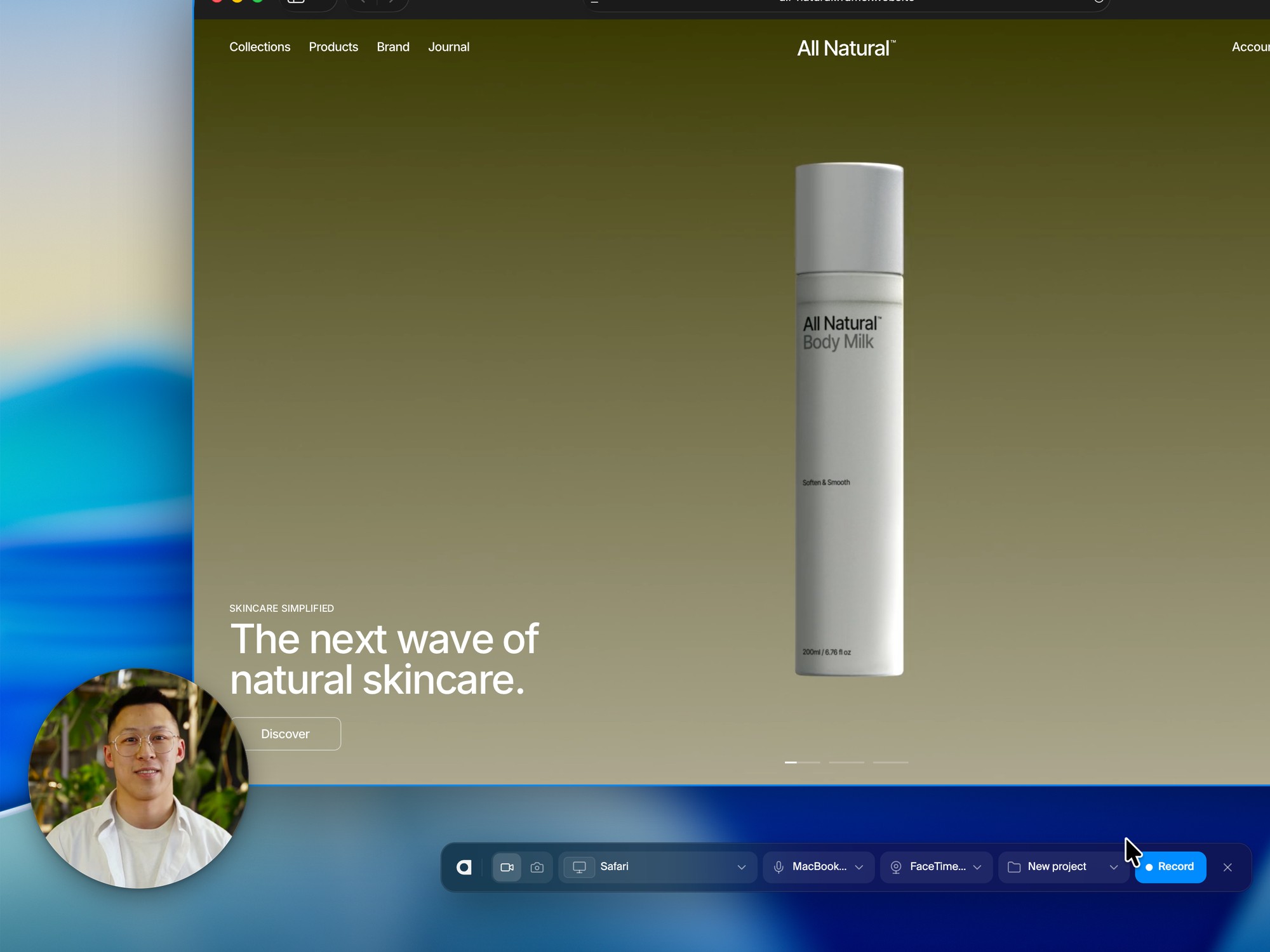
Pick a screen, a window or an area from live previews and press Record. Nothing to set up, so you never miss the moment.
Show your creative product at its best.
Record in one click, then make it yours in Studio.Show your creative product at its best. Record in one click, then make it yours in Studio.
Pick a screen, a window or an area from live previews and press Record. Nothing to set up, so you never miss the moment.
Turn on your camera and you appear right beside your work, so every walkthrough feels personal.
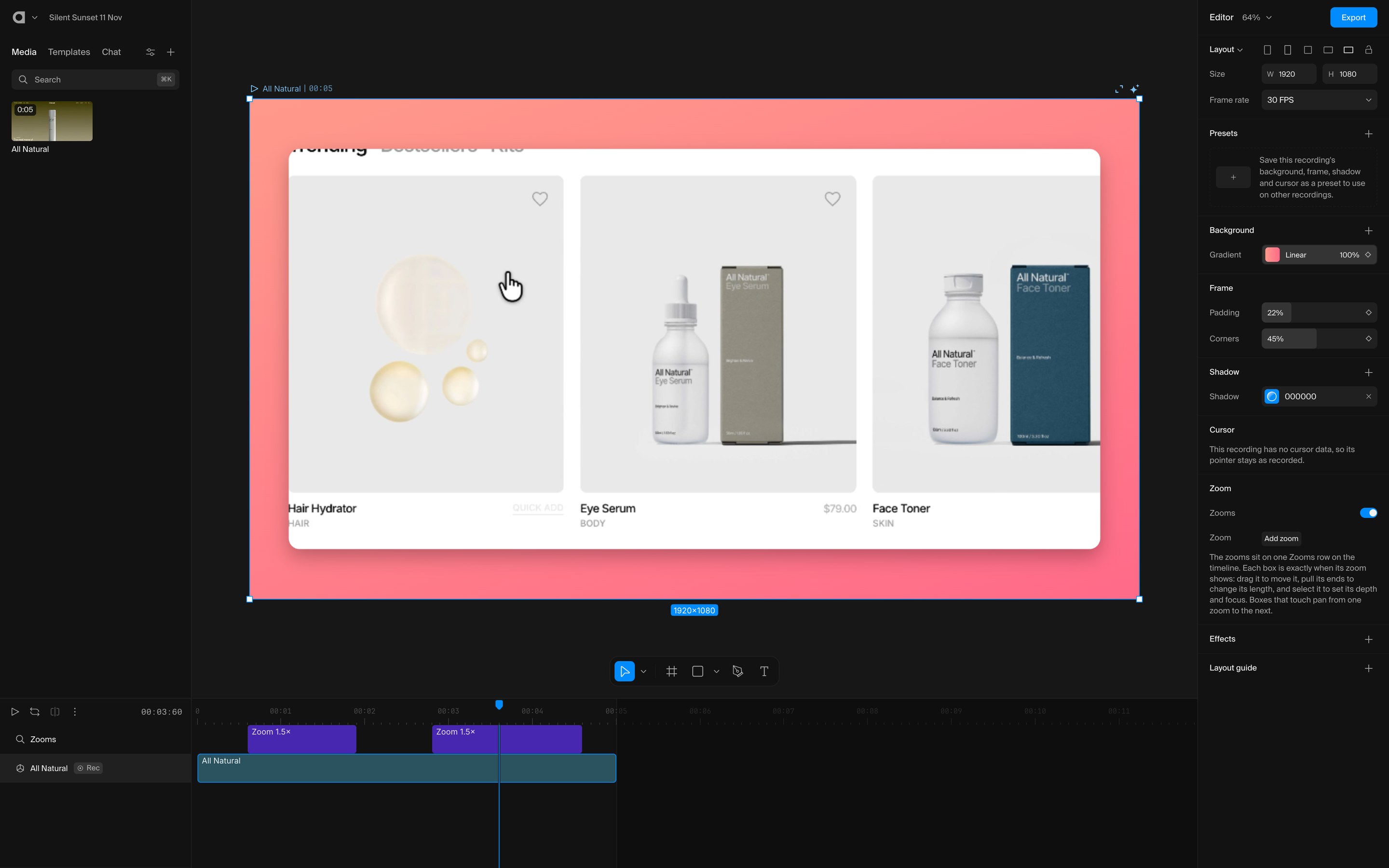
Each recording lands in your project with a frame of its own. Add a backdrop, smooth zooms and soft shadows so every take looks studio made.
Your whole screen, a single window or an area of a screen, with sound from your microphone and your camera in a corner if you like. You can also take a screenshot.
Yes, recording needs the Arqe app for Mac with Apple silicon. Your recordings open and edit in Studio anywhere, including the browser version.
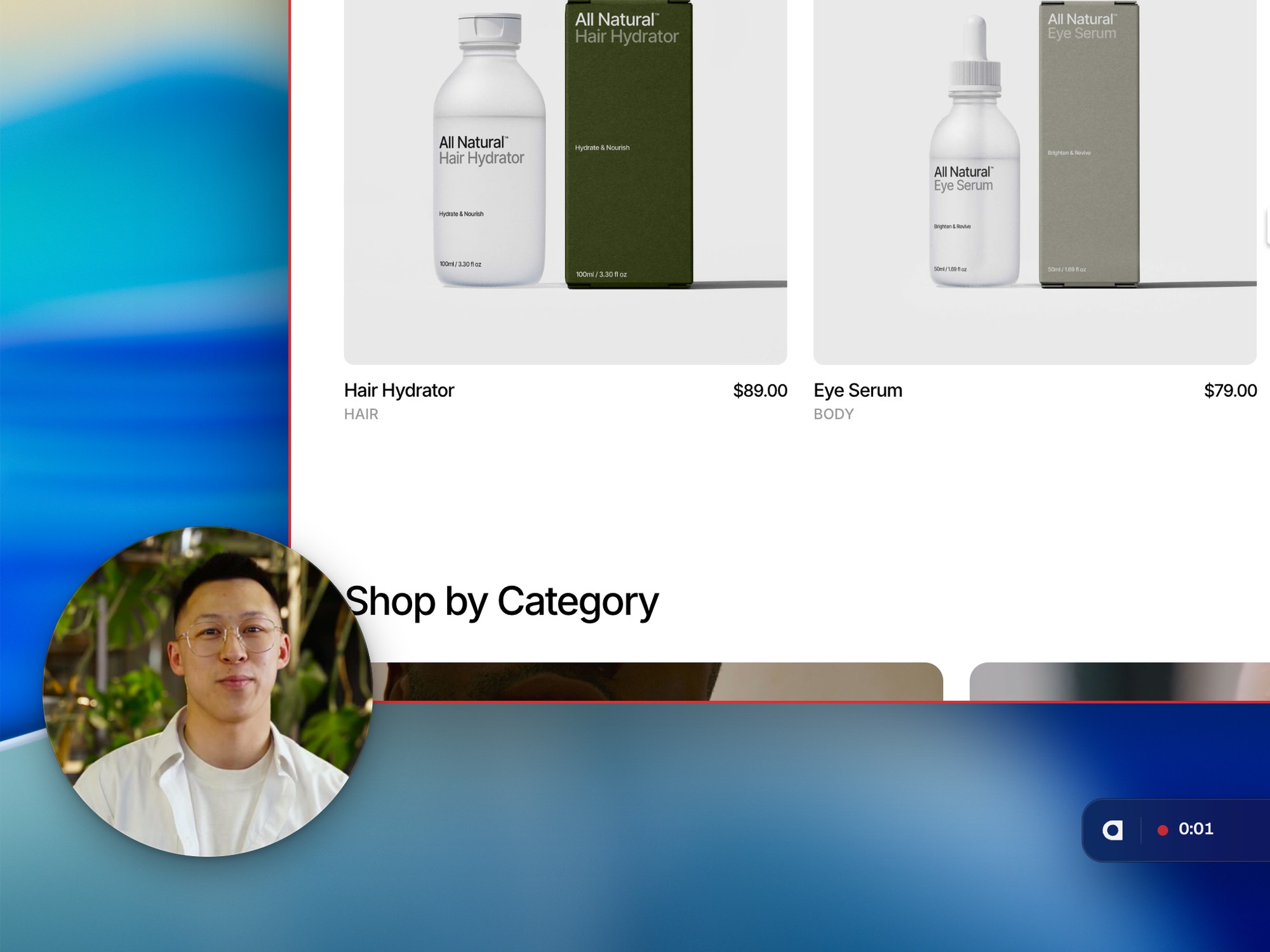
No. The bar, the countdown, the outline and the camera bubble are never captured. Your camera is recorded on its own and placed in Studio as a layer you can change.
Yes. Pause from the bar, pick up again when you’re ready, and press Stop when you’re done. It all arrives in Studio as one take.
Into a Studio project you pick before or after recording, as a screen recording layer. Its frame, cursor, camera and zooms stay editable.
Up to 4K. You export from Studio like any other project, up to 4K.
Yes. All Access includes Recorder alongside Studio and Stock. On the free Demo plan you can record and edit; exporting the finished video comes with a paid plan.