How to use templates in Studio
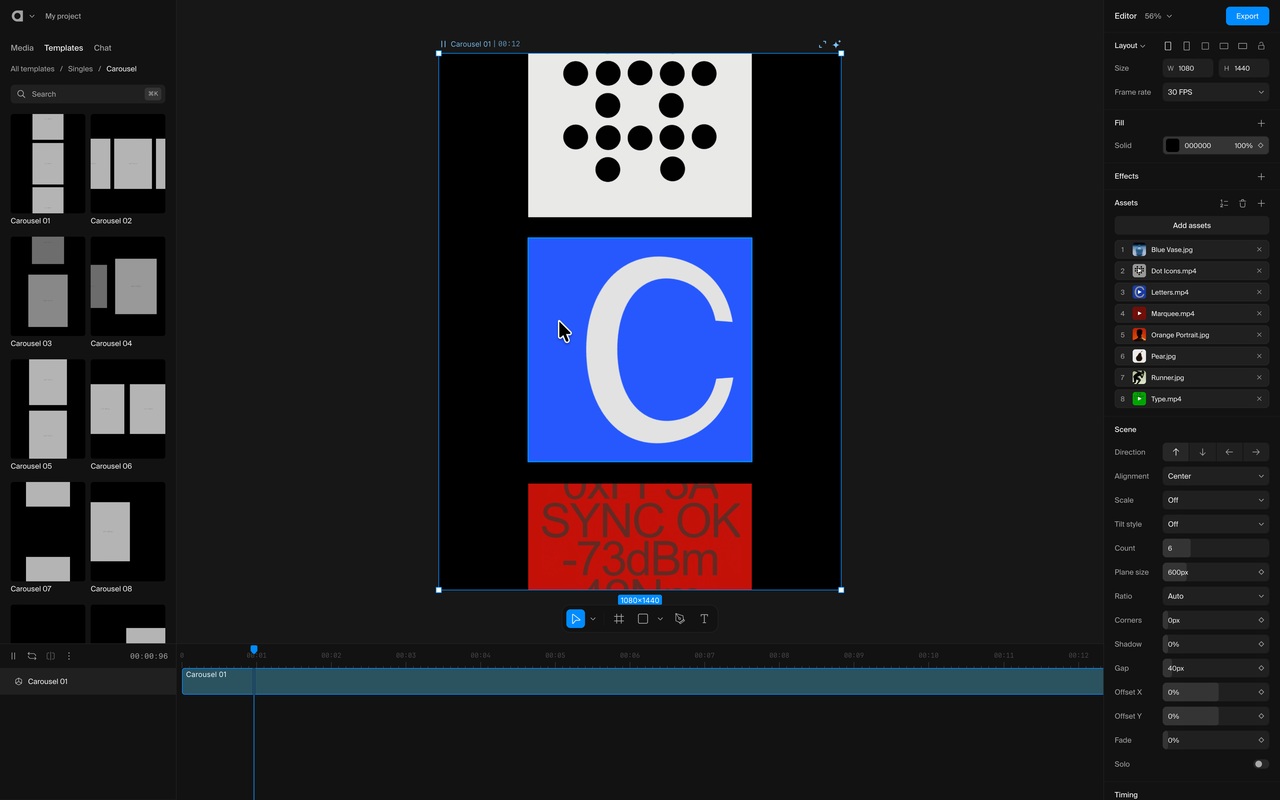
Drop your photos and videos on a template, then try another: your media stays, only the motion changes.
In this lesson
- Pick your photos and videos.
- Drop them on the template.
- Try another template: your media stays.
- Fine-tune the animation.
- Change the background.